f840d235ef
- 顶栏各小部件按钮支持选择位置(header/user-dropdown/none),偏好设置按钮额外保留 auto/fixed 智能兜底,移动端/全屏内容模式下自动切 fixed 浮动保命,避免偏好入口死锁
- draggable-list.vue 的 listRef 未在模板绑定,Sortable 永不初始化导致小部件无法拖拽;加 ref 绑定与 data-key 让 onEnd 从 DOM 读真实新顺序
- preferences.ts 的 updatePreferences 用 defu(merge) 合并数组,对 widget.order 是 concat 语义,每次拖拽触发更新都会把当前 order 追加一次,localStorage 里膨胀到上百条;改用 mergeWithArrayOverride 整体替换,加载缓存时 sanitizeCachedArray 去重已存在的脏数据
- preferences 按钮之前在 widget.order 里因 labelMap 未登记显示成裸字符串,且 widgetChecks 缺 refresh 导致刷新按钮不按 order 渲染;统一 preferences 与其它 widget 的拖拽排序与位置 select,refresh 补进 rightSlots.widgetChecks 并补模板渲染
- 补 sortablejs 依赖、WidgetPreferences.order 类型字段、preferences-drawer.vue 的 widgetOrder 绑定


Vue Vben Admin




Introduction
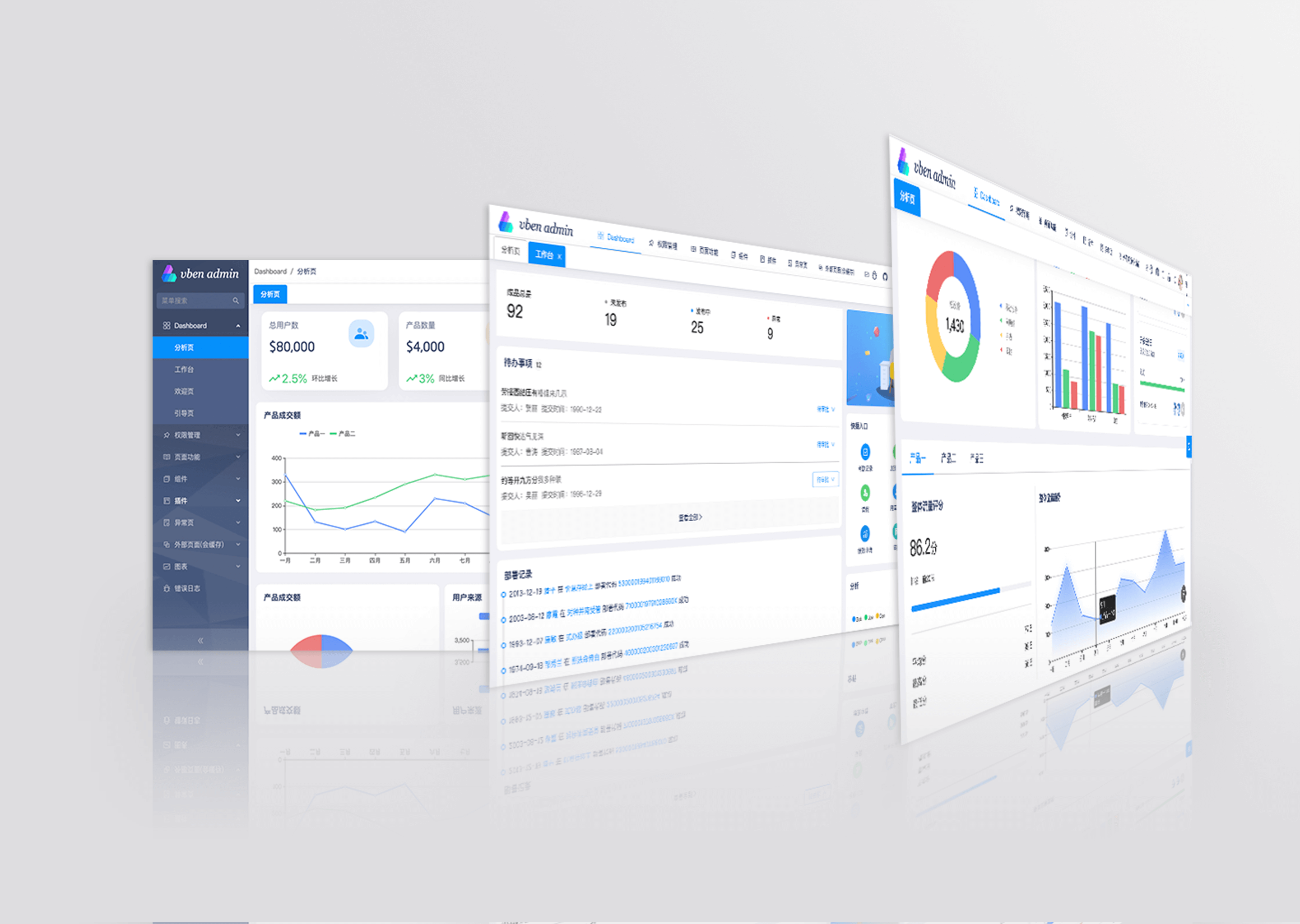
Vue Vben Admin is a free and open source middle and back-end template. Using the latest vue3, vite, TypeScript and other mainstream technology development, the out-of-the-box middle and back-end front-end solutions can also be used for learning reference.
Upgrade Notice
This is the latest version, 5.0, and it is not compatible with previous versions. If you are starting a new project, it is recommended to use the latest version. If you wish to view the old version, please use the v2 branch.
Features
- Latest Technology Stack: Developed with cutting-edge front-end technologies like Vue 3 and Vite
- TypeScript: A language for application-scale JavaScript
- Themes: Multiple theme colors available with customizable options
- Internationalization: Comprehensive built-in internationalization support
- Permissions: Built-in solution for dynamic route-based permission generation
Preview
- Vben Admin - Full version Chinese site
Test Account: vben/123456


Use Gitpod
Open the project in Gitpod (free online dev environment for GitHub) and start coding immediately.

Documentation
Install and Use
- Get the project code
git clone https://github.com/vbenjs/vue-vben-admin.git
- Install dependencies
cd vue-vben-admin
npm i -g corepack
pnpm install
- Run
pnpm dev
- Build
pnpm build
Change Log
How to Contribute
You are very welcome to join! Raise an issue or submit a Pull Request.
Pull Request Process:
- Fork the code
- Create your branch:
git checkout -b feat/xxxx - Submit your changes:
git commit -am 'feat(function): add xxxxx' - Push your branch:
git push origin feat/xxxx - Submit
pull request
Git Contribution Submission Specification
Reference vue specification (Angular)
featAdd new featuresfixFix the problem/BUGstyleThe code style is related and does not affect the running resultperfOptimization/performance improvementrefactorRefactorrevertUndo edittestTest relateddocsDocumentation/noteschoreDependency update/scaffolding configuration modification etc.ciContinuous integrationtypesType definition file changes
Browser Support
Tailwind CSS v4.0 is designed for Safari 16.4+, Chrome 111+, and Firefox 128+
Support modern browsers, not IE
 Edge |
 Firefox |
 Chrome |
 Safari |
|---|---|---|---|
| last 2 versions | last 2 versions | last 2 versions | last 2 versions |
Maintainer
Star History
Donate
If you think this project is helpful to you, you can help the author buy a cup of coffee to show your support!